


No. Many free or affordable DAWs can produce professional-quality recordings. And while software is important, your recording environment, microphone, and editing skills will also impact the quality of your audio.


*Updated August 2026
Our list of the best voice over software for 2026 will ensure that you know what you need to record professional-quality voice overs over the next 12 months.
While vocal talent is a necessity, it is just one piece of the puzzle. A great voice won’t sound its best if the equipment you use to record it is well below par.
A typical voice recording setup includes several elements:
These applications streamline the voice over process by enabling high-quality recordings and providing integrated editing tools.
Nearly every digital audio workspace (DAW) comes with robust editing and processing features, so the best software is typically the one you’re most comfortable with.
But still….How do you choose what’s right for you?
In this article, we’ll look at the most important elements of a DAW and review some of the top options.

You need a DAW that enables you to record, edit, and produce professional-quality voice overs from start to finish.
A good DAW should make it easy to record clean audio, remove unwanted sounds, and handle any post-production work that your clients may require.
Some voice actors only send raw files to their clients.
But in today’s competitive market, offering fully edited, production-ready files as well can put you ahead of the curve
Not all of your clients will have the software or expertise to edit your recordings or sync them with video, so they’ll expect you to manage these tasks.
There are a couple of great free DAWs available, which we’ll cover later alongside the paid-for applications.
However, whatever software you choose, it’s critical to look for one that offers an intuitive workflow and the editing tools you need to produce professional, polished voiceovers.
Yes. It is a good idea to use the same software as your clients, as this can make collaborations and workflows easier.
Most clients will ask you to deliver a raw or edited audio file, regardless of the software you use.
However, if you’re also handling post-production, some clients may request your DAW session files so they can continue editing or make changes themselves.
You obviously don’t need to buy every DAW on the market, but it might be worthwhile to identify what your main clients use so you can work together more smoothly when needed.
Yes, your voiceover software should always be compatible with your computer so that it doesn’t crash mid-session or lag in performance.
Digital audio workspaces can be extremely resource-intensive.
You may experience slowdowns or other issues if you’re using an older device or operating system.
Don’t forget that some applications are also designed for a specific operating system such as Windows or macOS, so always confirm compatibility before purchasing.
If a free trial is available, test the software first to see how it works in practice on your system.
The best way to ensure your DAW is intuitive and easy for you to use is simply to test it.
Every provider posts flattering screenshots and videos on their website, but these won’t tell you much about the actual user experience.
Fact is, there’s no replacement for a hands-on demo.
Ideally, you should be able to learn the basics quickly and spend your time recording and editing, not reading the fine print.
If you’re having trouble getting started, consider trying more alternatives until you find one that feels more natural to you.
Yes. Reading reviews from other voice actors is a great way to help you choose the right DAW for you.
You’re not the first person to look for voiceover software.
In most cases, existing users will have plenty to say about a particular platform, both positive and negative.
Facebook groups, forums, and other online communities make it easy to connect with other people who do voice over work.
Read user impressions of the platforms on your shortlist to see what users like and dislike.
Reviews are particularly valuable when they come from users who have used multiple platforms and can recognize the pros and cons of each one.
Yes. If you rely on specific 3rd-party plugins, you will need to make sure your chosen DAW supports them. Most DAWs support VST3-formatted plugins, which are cross-platform. The only DAW that doesn’t is Pro Tools, which supports AAX plugins only.
While plugins might be the least important parameter when deciding on recording software, they can become more relevant as your client base increases, and your workflow expands.
It’s important to know that each DAW supports different plugin formats. However, we’ve listed the plugin standards each DAW supports for your reference.
And with that, let’s take a look at the best voice over applications you can find in 2026.

Audacity is one of the most commonly used audio platforms, and it’s easy to see why.
It’s free and open-source, so you can download and use it at no charge.
Even better, it’s available on Windows, macOS, and Linux, and there’s an active community in the Audacity forums.
The main benefits of Audacity are that it comes with basic editing tools including live audio recording, keyboard shortcuts, volume adjustments, and equalization.
While the interface isn’t quite as sleek as competitors like Garageband, Logic, or Adobe Audition, it’s still easy to find the function you’re looking for.
It was involved in a major controversy when new owner Muse Group changed the privacy policy to allow for expanded data sharing.
However, Muse Group ended up revising their privacy policy in response to user complaints.
Overall, Audacity is a great place to start, supports all major operating systems, and is one of the best free voice over applications in 2024.
The tutorial below will walk you through the main functions and give you an idea of how Audacity works.
Audacity supports LADSPA, LV2, Nyquist, Vamp Analysis, VST/VST3 (Windows and Mac only), and Audio Unit (Mac only).


Audition is Adobe’s flagship audio recording and editing software, and it’s also part of the Adobe Creative Cloud suite.
The benefits of Adobe Audition include being able to leverage a long list of editing capabilities such as multitrack, waveform, and spectral displays.
Furthermore, Adobe Audition includes a powerful noise reduction feature to minimize breaths and other intrusive background noises.
It’s arguably the most popular DAW among professional voice actors.
Audition subscriptions are currently available for $22.99 per month when you commit for a year, or $34.49 per month paid monthly, and you can cancel any time.
You can also pay an annual cost of $263.88.
You can also get Audition through a subscription to all Creative Cloud apps.
These plans run $69.99 per month paid annually or $104.99 per month paid monthly.
An upfront annual payment costs $779.88.
If you’ve used other Adobe applications, you’ll be right at home with Audition’s familiar design.
If you’re new to the application, it can be overwhelming at first.
However, Adobe provides detailed support resources to help users take full advantage of its features.
Adobe Audition supports third-party 64-bit audio plugins in VST 2.4 and VST3 formats for macOS and Windows, and Audio Units (AU) for macOS.


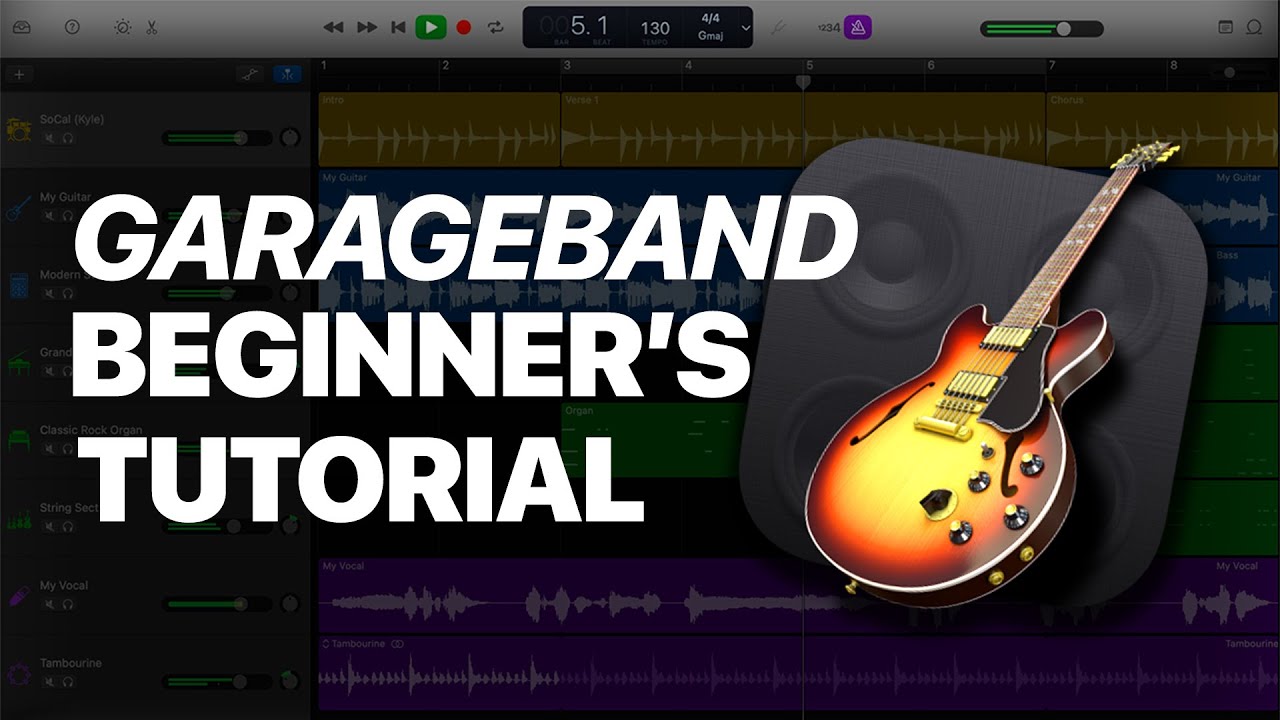
One advantage of Mac computers is that they come with free high-quality voice over software built-in called Garageband.
While Garageband doesn’t have all the advanced features of more professional applications, it is incredibly easy to use and ideal for most small-scale projects.
It also comes with an impressive collection of sound effects and instruments, plus loops from a variety of genres and styles.
Users can quickly adjust the volume and equalization for individual tracks — Garageband supports up to 255 tracks in a single file.
There’s even a relatively robust Garageband app for iPhones and iPads, helping you manage voice over projects on different devices.
GarageBand supports audio plugins in Audio Units (AU) for macOS.

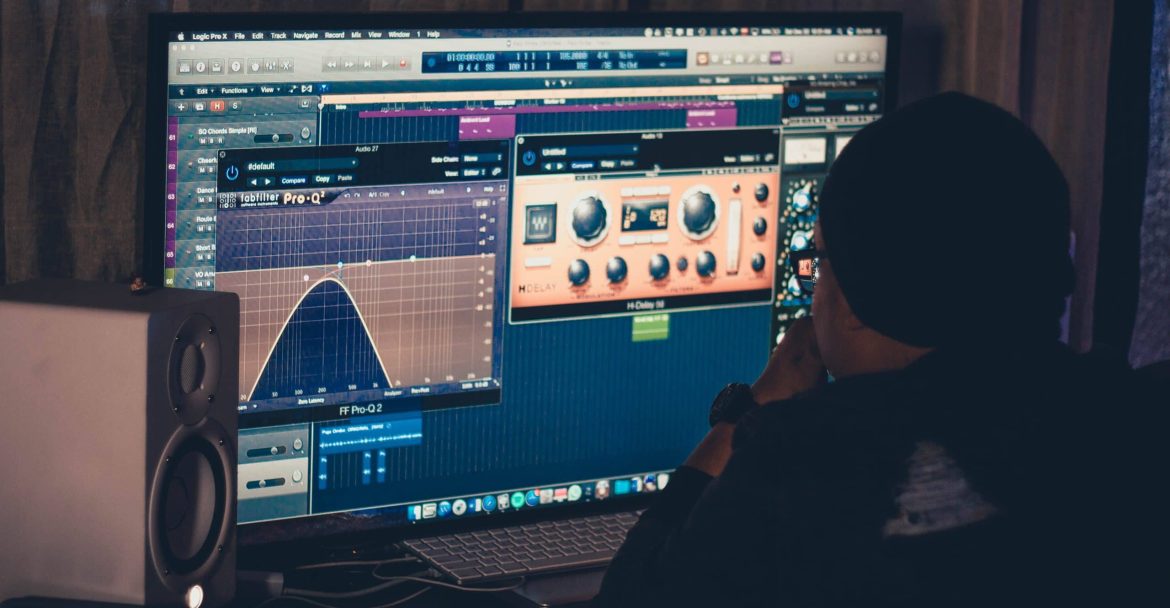
Logic Pro is Apple’s premium counterpart to the base GarageBand software.
It’s primarily intended for professionals and serious enthusiasts.
The full license is $199.99 on the Mac App Store.
New users can start with a generous 90-day free trial before deciding whether to purchase the software.
Yes. Logic Pro is a top choice for voice actors who want professional recording and editing tools.
Designed for professional audio production, it is somewhat similar to GarageBand.
However, Logic Pro offers more features than GarageBand, including a deep library of samples, loops, and instruments.
This does make it significantly more complex and therefore more difficult to learn than GarageBand.
And while it might be overkill for simple voice over projects, it’s a great option for users who want greater control over their recordings or want software that can grow with the different facets of their career.
Additionally, you can transfer existing GarageBand projects directly into Logic Pro, which makes it easy to upgrade at any time without losing progress.
Like GarageBand, Logic Pro uses the Mac-only format Audio Units (AU) to host 3rd-party plugins.
Hear voices against your actual script
Free custom auditions from professional voice talent — no commitment.


Avid Pro Tools is one of the most popular applications among musicians, voice over artists, and other audio professionals.
It’s considered the industry standard for music and post-production.
The benefits of using Pro Tools are its high-grade EQ, compression, and automation features, as well as the precise editing tools voice actors have to easily remove unwanted mouth noises and other imperfections.
Like Adobe Audition, Pro Tools is available through a monthly subscription rather than a one-time license fee.
While you can use a limited set of features for free, most users will prefer one of the three paid plans.
Pro Tools Artist ($9.99 per month) comes with the basics, but it’s missing support for video tracks and post-production workflows.
At $34.99 per month, Pro Tools Studio adds these features plus more audio tracks, extra plugins, and a higher sample rate.
Ultimate ($99.00 per month) adds even more tools such as surround and Dolby Atmos mixing, support for 64 video tracks, and in-the-box dubbing.
Pro Tools offers deep discounts for students and teachers as well as group rates for schools and other institutions.
Avid offers various hardware options to complement the Pro Tools software, and mobile apps are also available for both iOS and Android.
Avid Pro Tools supports plugins in 64-bit AAX format.


Voice actors who’ve been in the business for a while will have undoubtedly heard of Studio One by PreSonus.
In 2021, both were bought by Fender, leading to a full rebrand in 2026, with the digital audio workspace now known as Fender Studio Pro.
Don’t let the new name fool you though.
This is not just software for guitar players. And though it does seem to offer more benefits to music makers, there is plenty on offer for voice actors too.
The benefits Fender Studio Pro has for voice actors include its advanced, intuitive drag-and-drop workflow for recording, editing, mixing, and mastering.
You also get integrated Splice access, letting you pull from a comprehensive royalty-free library of virtual instruments and effects.
The Perpetual License with Pro+ Annual Plan comes in at $179.99 while the complete Perpetual Licence is $199.99.
If you only pay the yearly price, you’ll still be able to use your DAW but without future updates.
The perpetual licence ensures you continue to get all updates, and is probably a better bet for anyone who has previous versions of Studio One.
Fender Studio Pro supports audio plugins in VST, AAX, and Audio Unit (AU) formats.


Reaper doesn’t look quite as sleek as Fender Studio Pro, Logic Pro, Adobe Audition, or some of the other premium tools we’ve mentioned.
Still, it offers most of the same features at a lower cost.
The advantages voice actors can expect with Reaper include unlimited simultaneous recordings with an intuitive drag-and-drop workflow alongside a wide range of built-in plugins for tasks like EQ, compression, pitch shifting, and audio effects.
Its strong performance at a competitive price has made it one of the most popular DAWs among audio professionals.
Reaper licenses are currently available for a one-time fee of $225, but that drops all the way to $60 for a discounted license.
Discounted licenses are intended for personal use, or for businesses that generate less than $20,000 in annual revenue.
You can also get the discount if you work for an educational or nonprofit organization.
Reaper supports audio plugins in VST2, VST3, and Audio Unit (AU) formats.


WavePad is another voiceover application that’s available for both Mac and Windows.
WavePad supports most basic audio editing functions like splitting and gluing, fades and crossfades, trimming, resizing, time-stretching, and more.
It also supports batch processing, making it easy to apply changes to an entire set of files.
Furthermore, all WavePad tiers come with a thorough library of sound effects to supplement your recordings.
While WavePad is primarily designed for Mac and Windows, it also offers surprisingly functional mobile apps on both iOS and Android.
While the iOS application has a respectable 4.6 average score over more than 3,000 reviews, its Android counterpart has a much lower rating of 3.6, covering over 36,000 users.
Unlike most alternatives, WavePad is actually free for non-commercial users.
However, the website only says that the free version comes with “many of the features of the master’s version,” so the difference between the two tiers is relatively unclear.
Base prices for premium licenses are $50 for Standard and $80 for Master, but WavePad regularly offers significant discounts.
We’ve seen them available for as little as $34.99 and $59.95.
Need access for a short-term project? You can get the Master’s edition on a quarterly basis for $16.50 per quarter, which works out to $66 per year.
Of course, you should spring for the permanent license if you think you’ll continue using the platform.
WavePad 3rd-party plugin formats
WavePad supports DirectX and VST plugin formats.


Cubase is a digital audio workspace that’s primarily marketed toward musicians.
Still, it could be an ideal option for those who work in the voice over industry.
Its deep collection of features may be overwhelming to new users, especially those who don’t have much experience with other voice over tools.
However, it presents much more robust functionality than GarageBand and other basic platforms for home users.
Cubase offers voice actors a professional recording, editing, and mixing workflow, along with advanced audio tools, Dolby Atmos support, powerful plugins, and precise editing features enabling them to produce high-quality recordings.
The main downside to Cubase is that voice over artists may be paying for features they don’t need.
For example, it comes with music-oriented tools like fine-grained pitch editing, chord editing, and score editing.
You can start with a 30-day free trial if you want to test out the platform without spending any money or incurring any risk.
From there, pricing for Cubase will depend on what you need.
At $99.99 for a lifetime license, its Elements tier is the most affordable way to access Cubase, but also the most limited.
The core audio editing features are the same, but Elements lacks key features like unlimited audio and MIDI tracks, comping, in-place rendering, or access to effects and virtual instruments.
The Artist tier removes these limitations for a one-time payment of $337.98, but it’s still not as complete as the flagship Pro subscription.
Pro currently costs $587.98 for a lifetime license and comes with the entire Cubase toolkit, including AAF and OMF support.
Cubase supports audio plugins in VST2 and VST3 formats.


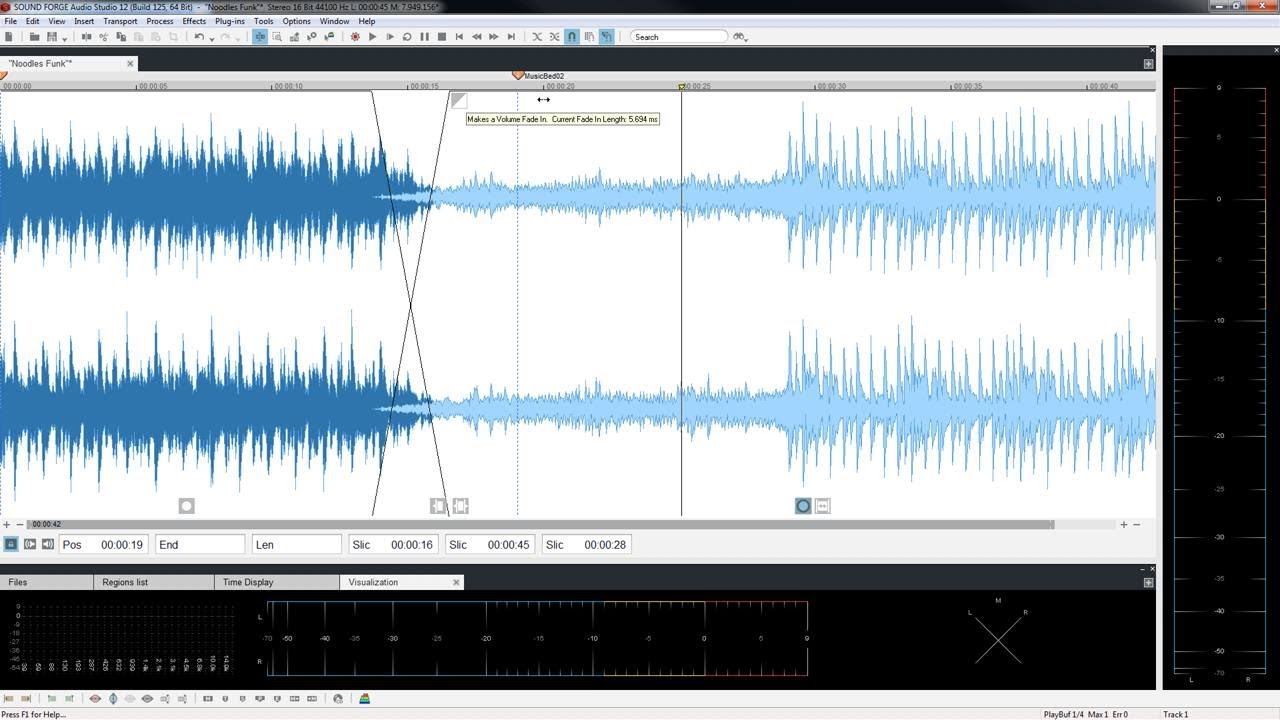
Last but not least, Sound Forge Pro is an audio editing suite owned by Boris FX (as of March 2026) that provides various applications for different tasks.
It’s important to know that Sound Forge Pro is not a DAW, but the software does work on individual audio files, making it ideal for voice over.
The many benefits include applications for recording, editing, and restoring voiceovers.
The software can remove noise, clicks, and other unwanted sounds, while the mastering tools help you produce clean, professional-quality audio with accurate loudness monitoring.
The interface is quite complex when you first encounter it, so Sound Forge is not recommended for those new to voice recording and editing.
Additionally, anyone currently using Apple Silicon hardware will not be able to use it.
This is because Sound Forge Pro Mac was discontinued by its earlier owner, and Boris FX hasn’t yet announced any plans to revive it.
For all other users, there are two tiers: Sound Forge and Sound Forge Plus.
With the basic level, you get precise waveform editing, noise reduction and audio repair tools, support for professional plugins, and advanced recording and mastering features.
Sound Forge Plus adds pitch correction tools, amp emulation plugins, and more capable reverb processing on top of the base version.
Both are available as annual subscriptions or perpetual licenses, with a no-commitment 15-day trial.
Sound Forge supports audio plugins in VST2 and VST3 formats.
With more voice over software available than ever before, voice professionals should look for a platform that’s easy to use and offers the features they need at a reasonable price.
While there are many other options out there, you can’t go wrong with any of the ten providers on this list.
Want to know more about what it takes to succeed in the voice acting industry?
Check out our guide on how to become a voice actor.
Did you like this article? Do you have questions or other DAW recommendations? Leave a comment below.
No. Many free or affordable DAWs can produce professional-quality recordings. And while software is important, your recording environment, microphone, and editing skills will also impact the quality of your audio.
For beginners, Audacity and GarageBand are the best choices as they are both free, easy to use, and provide all the required recording and editing tools that you’ll need to start producing professional-sounding voiceovers.
If possible, yes. While most clients typically require the finished audio files only, using the same software can simplify your collaboration if they want to edit the project or any of the session files further.
Many professional voice actors use Adobe Audition, Pro Tools, Logic Pro, Reaper, and Cubase.
No, you do not. Most DAWs include enough built-in tools for recording, editing, EQ, compression, and noise reduction.
However, each also supports various third-party plugins, so if you rely on plugins, check compatibility before you make a purchase.
Yes. Most leading DAWs support both Windows and macOS, although some, such as GarageBand and Logic Pro, are exclusive to Mac.
Additionally, Sound Forge Pro is not available to Mac users.
Post your project or choose voice actors to audition and send you proposals.
Hire your favorite talent, fund the project and communicate via the message board.
Approve the recording and release your payment to the talent when happy.
0 Comments